 Cuepact
 Cuepact Clock · Guide
Your iPad as a
large clock.
Keep the time clearly in view during a class, presentation or gathering. Cuepact Clock turns your iPad into a full-screen digital clock.
Every feature is free. No account, subscription or in-app purchases. You don’t need a Cuepact membership.
Step by step
Open the app.
Choose your display.
The app uses your iPad’s time. You just choose how to display it.
Install Cuepact Clock.
Download Cuepact Clock from the App Store on your iPad and open the app. The clock follows your device’s time and time zone.
Tap to change the display.
Tap the clock to cycle through white on black and black on white, with or without seconds. Your choice is saved.
Put your iPad in place.
Place your iPad where you can easily see the time and leave Clock open. The screen stays on while the app is active. Connect a charger for longer use.
See the app
See the
four displays.
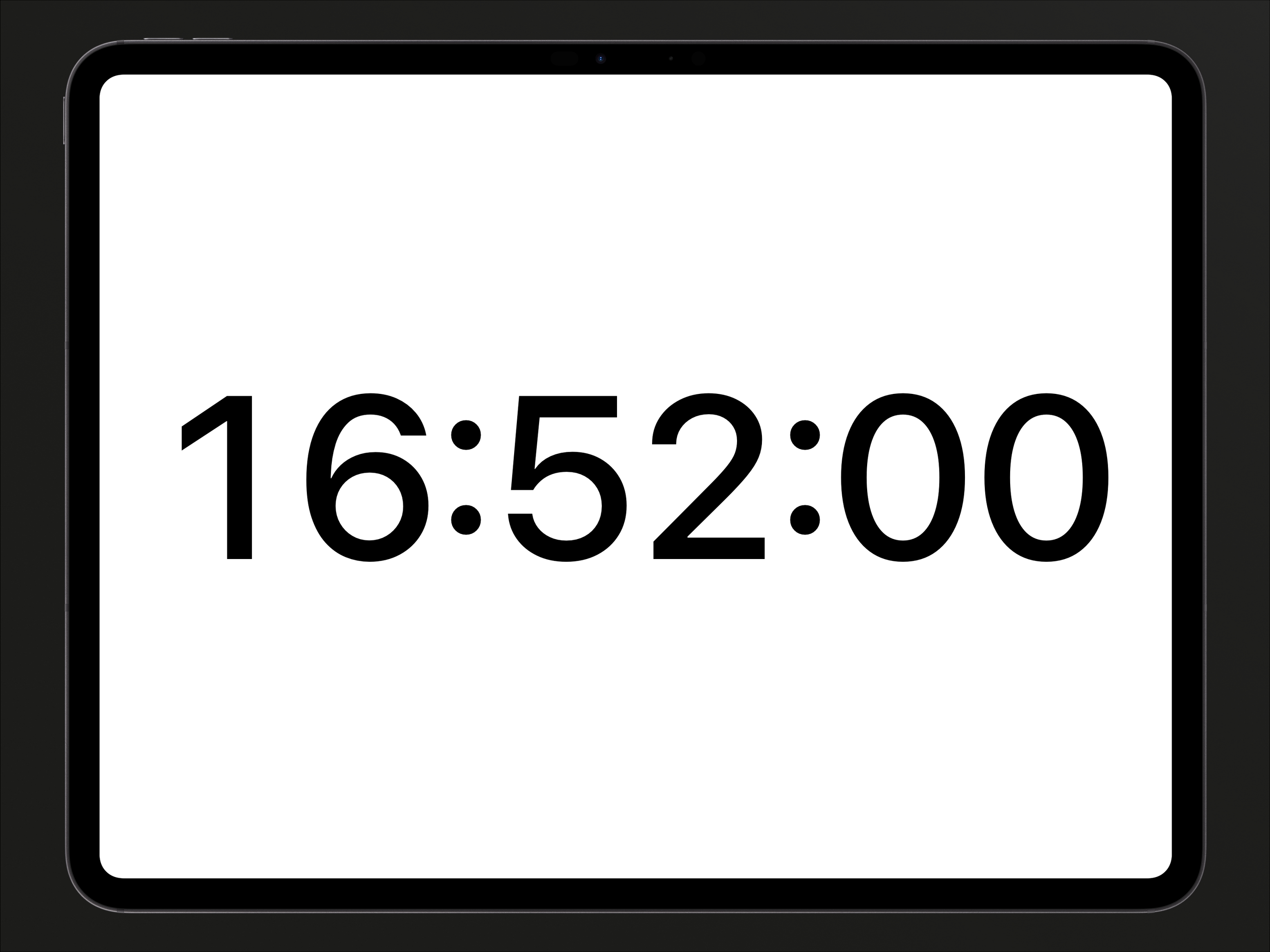
This is Clock on iPad. In the app, tap the clock to switch displays.
Four displays
A clock to
suit your space.
Choose the display that is easiest to read from your position. Each tap moves to the next combination:
- White digits on black, with seconds.
- White digits on black, without seconds.
- Black digits on white, with seconds.
- Black digits on white, without seconds.
After the fourth display, the sequence starts again. You can change it while using the clock, too.
Good to know.
Do I need to change the auto-lock setting?
No. Clock keeps the screen on while the app is active. If you open another app or lock your iPad yourself, the clock is no longer visible.
What if the time is wrong?
Clock follows your iPad’s time and time zone. Check the date, time and time zone in your device settings if the displayed time is wrong.
Can I use Clock as a countdown?
Clock shows the current time. It has no countdown function. For countdowns and program timing, use the clock feature in Cuepact for Mac.
Does Clock work on iPhone or Apple TV, too?
Yes. Cuepact Clock is also available free for iPhone and Apple TV. Read the Apple TV instructions.